Get clients back without writing to each one.
Cuadra messages them when it is time to come back, with a button to book the same service. You pick the period on each service and do nothing else.
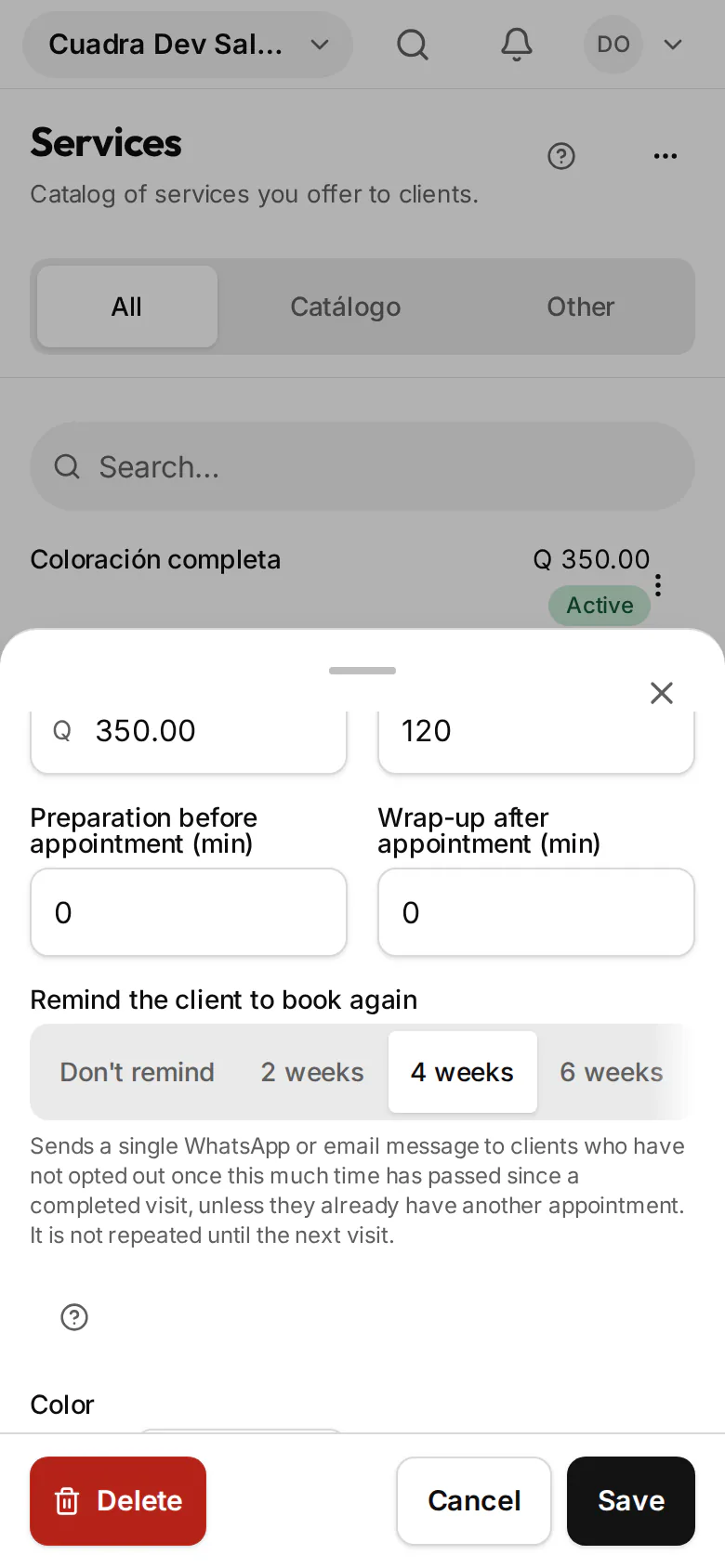
The rebook reminder is an automatic message Cuadra sends by WhatsApp or email when the time you chose has passed since a client's last visit. It goes out once per visit, only to people who have not opted out, and never to someone who already booked again.
How it works
- 01
Pick the period on each service
Four weeks for a haircut, six for a color. It starts off: you only remind for the services you choose.
- 02
Cuadra waits and checks
When the visit is completed the count starts. When the period is up, Cuadra prepares the message and sends it between 9:00 a.m. and 9:00 p.m., never in the middle of the night.
- 03
The client books in seconds
The message carries their name, the service they had and a button that opens your online booking with the same service and professional.
What it does for you
One message per visit
Even if the client does not reply, it does not nag. The next one only comes after another visit.
WhatsApp and email
It goes out on the channel you set and moves to the next if the first cannot.
Respects opt-outs
If they replied STOP on WhatsApp, they stop getting it on WhatsApp; if they unsubscribed from email, they stop getting it by email. If they opted out of both, they do not get it. Nor does anyone you mute.
Withdrawn if they already booked
Cuadra checks again right before sending. If the client already booked, it does not go out.
No burst to old clients
When you turn it on, it only reminds clients who reach the period within the last week, not someone who came months ago.
Counted from their last visit
The period is counted from the client's latest completed visit. If they come back sooner, the reminder for the earlier visit does not go out.
How it looks on your phone
Real Cuadra screenshots, from a sample salon.
1. The period, on the service form 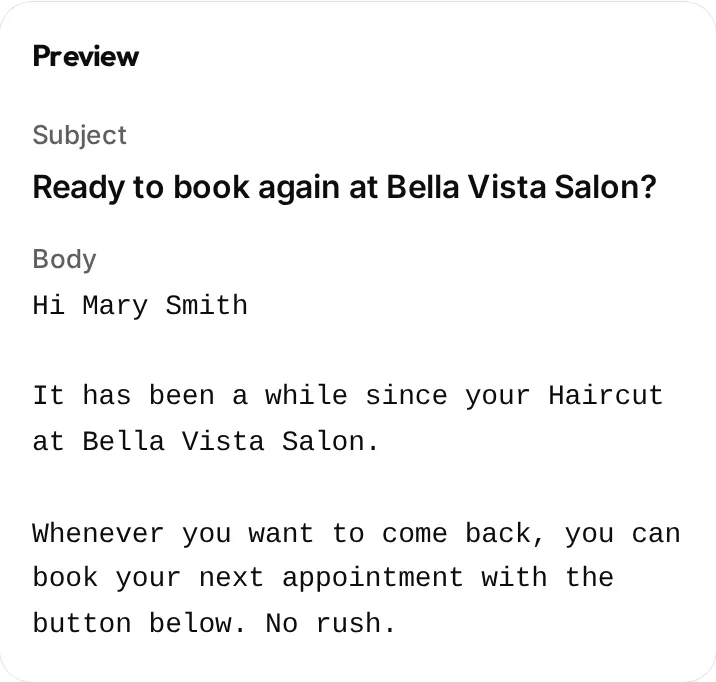
2. The message, with its preview 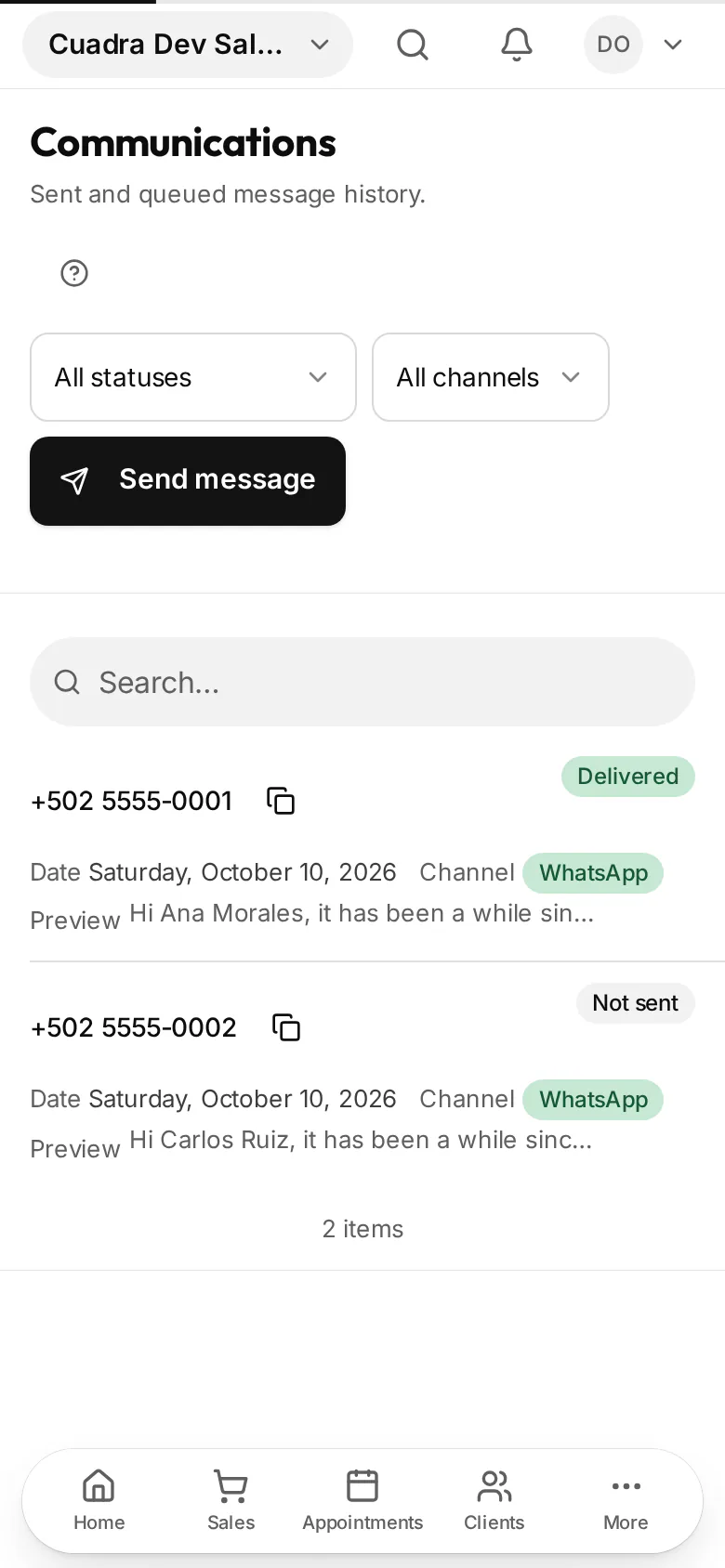
3. Every send, in Communications 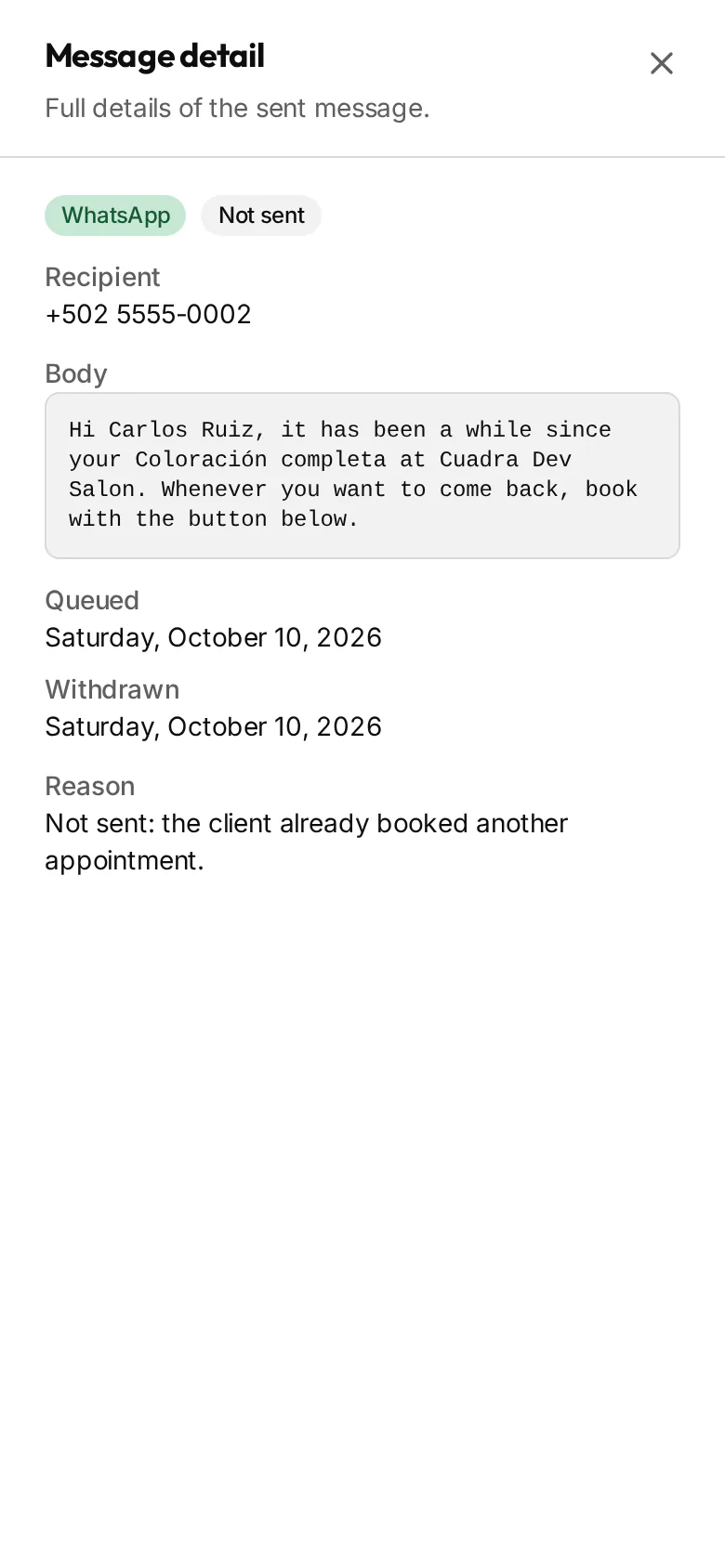
4. A withdrawn message, with its reason 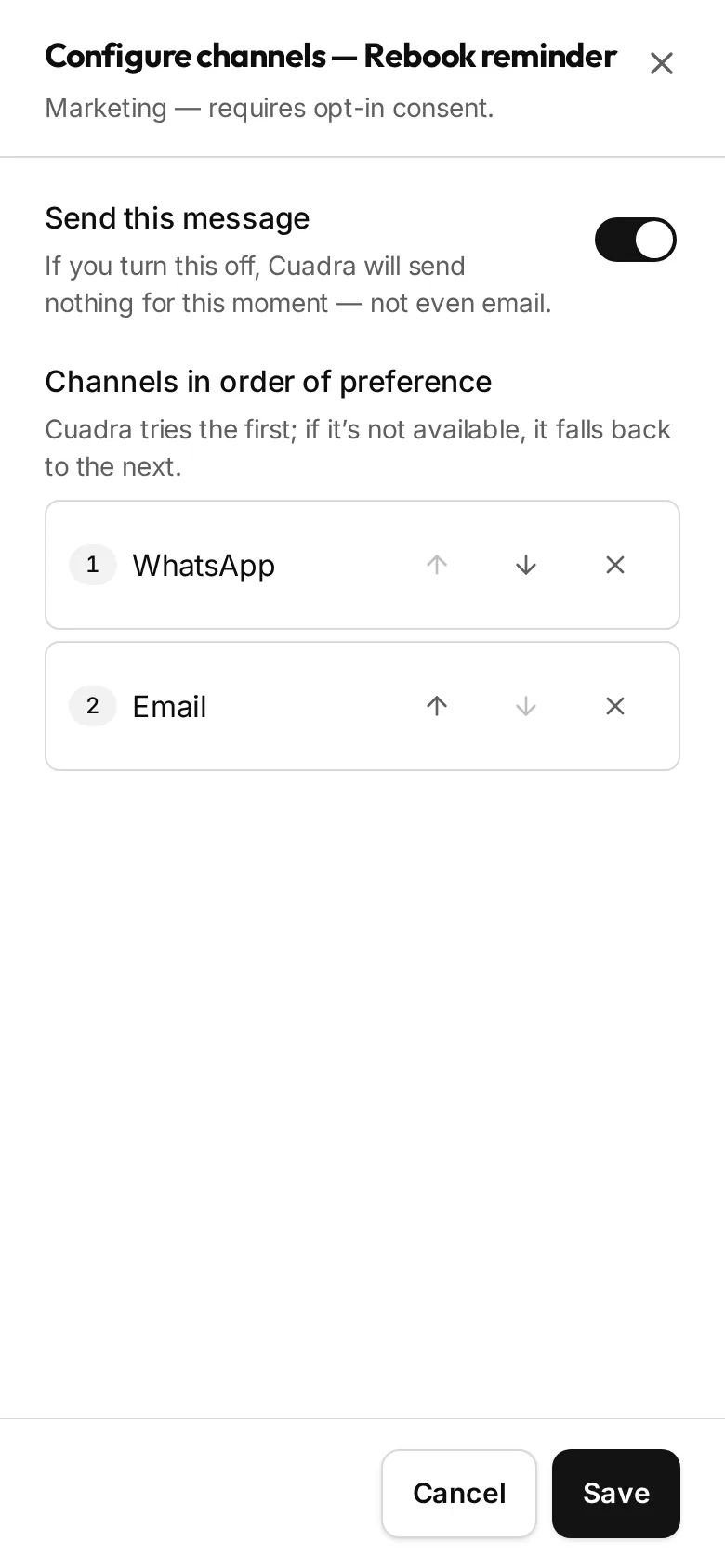
5. The route, which you can turn off any time
You see everything and turn it off whenever you want
Every message is logged in Communications. The ones Cuadra withdraws show as Not sent, with the reason, and do not count as failures. To turn it off, choose Don't remind on the service or switch the message off in How messages get sent.
Frequently asked questions
Do my clients have to accept promotions?
Every client gets it, except those who opted out of the channel it would use. You do not have to tick anything on each record.How long does WhatsApp take to approve the message?
Meta classes it as marketing and usually reviews it in 1 to 2 business days. Cuadra creates it and submits it for you. Meanwhile the reminder can go out by email.Can I change the wording?
The email one, yes, from Settings. The WhatsApp one is the text Meta approved and does not change.Where do I see what was sent?
In Communications: you see each message with its channel, its status and, if Cuadra withdrew it, the reason.
See what you made today
Try Pro for 14 days with no card and no NIT. Take your first sale today and see your numbers at close. Invoice with FEL only when you're ready.
14 days of Pro · No card